Life360 dominates the family location app category, but it isn’t the right fit for every household. The subscription cost, data-sharing practices, or feature set push plenty of users to look elsewhere. If you’re weighing the best Life360 alternatives, iSharing, Scannero, and Google Family Link each take a meaningfully different approach to knowing where your people are.

Why Life360 Alternatives Matter for Your Family
Life360’s free tier has gotten thinner over the years, and its documented history of selling location data to data brokers is a real concern for privacy-conscious families. The three apps below represent the main alternatives: a full-featured family locator, a no-install phone lookup tool, and a free Google parental-controls app. Figures in the table below were checked on November 5, 2026.
1. iSharing
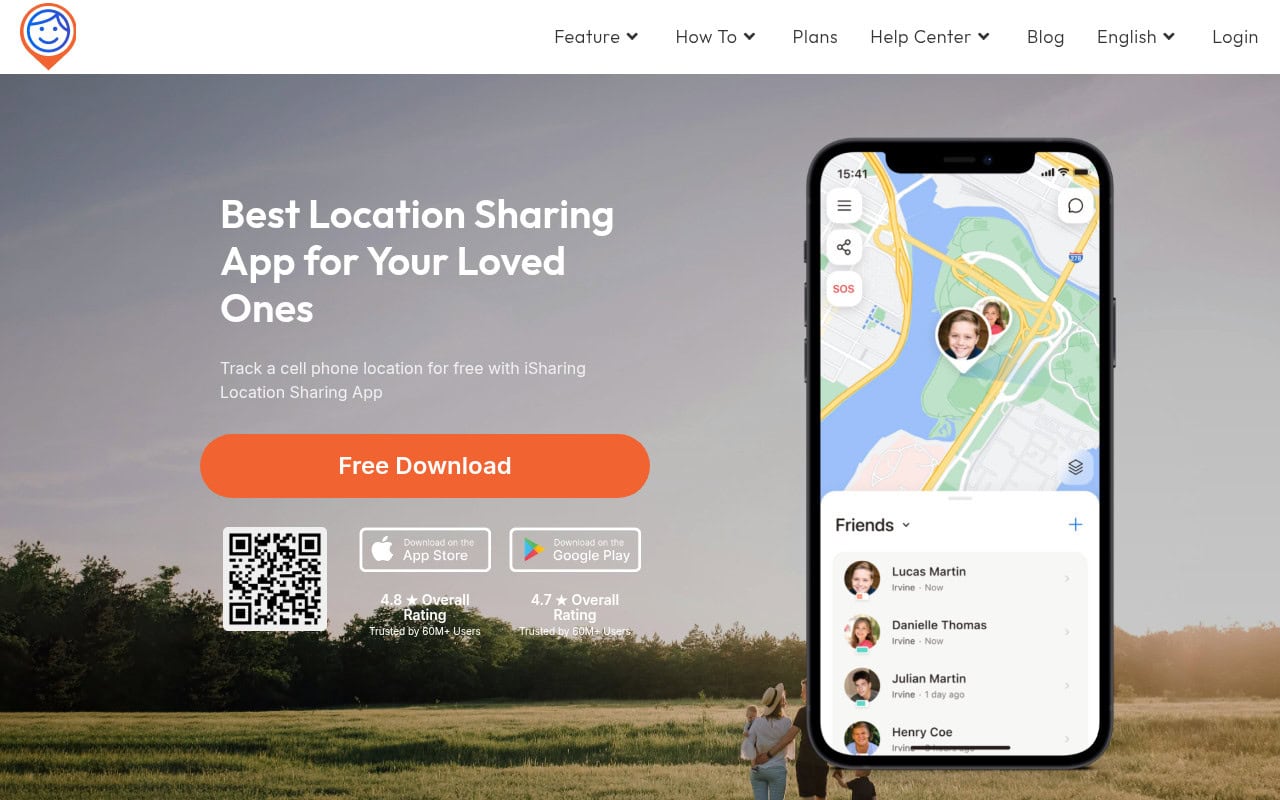
Best for: Families who want ongoing, mutual location sharing with alerts and history Standout: Unlimited members in Circles on the free plan, plus Driving Reports, Panic Alert, and up to 365 days of history Pricing: Free plan available; premium from $7.99 with a 7-day free trial
iSharing is a family locator app from iSharingSoft, Inc., based in Irvine, California. It is built around private Circles where every member shares their location in real time, and iPhone and Android users can sit in the same Circle. Unlike a Google family group, which stops at six people, Circles have no member cap on the free plan, so extended families, carpools, and friend groups fit without paying per seat.
On top of that free base, paid plans add Driving Reports (top speed, hard braking, phone use on every trip), a Panic Alert with 10 seconds of audio, unlimited place alerts, and a year of location history on Platinum.
iSharing at a glance: iSharing has 70M+ users worldwide and has operated since 2010. It works on iPhone, Android, tablets, Mac, and web (web on Platinum), and iPhone and Android users can share in the same Circle. Circles have unlimited members, included in the free plan. The free plan includes real-time location, messaging, Panic Alert, and 1 place alert. Paid plans add Driving Reports, 10-sec audio on Panic Alert, unlimited place alerts, and up to 365 days of history (Platinum). Pricing: Free plan available; premium from $7.99 with a 7-day free trial. Ratings: 4.8 on the App Store (approx. 36K) and 4.5 on Google Play (approx. 247K).
2. Scannero
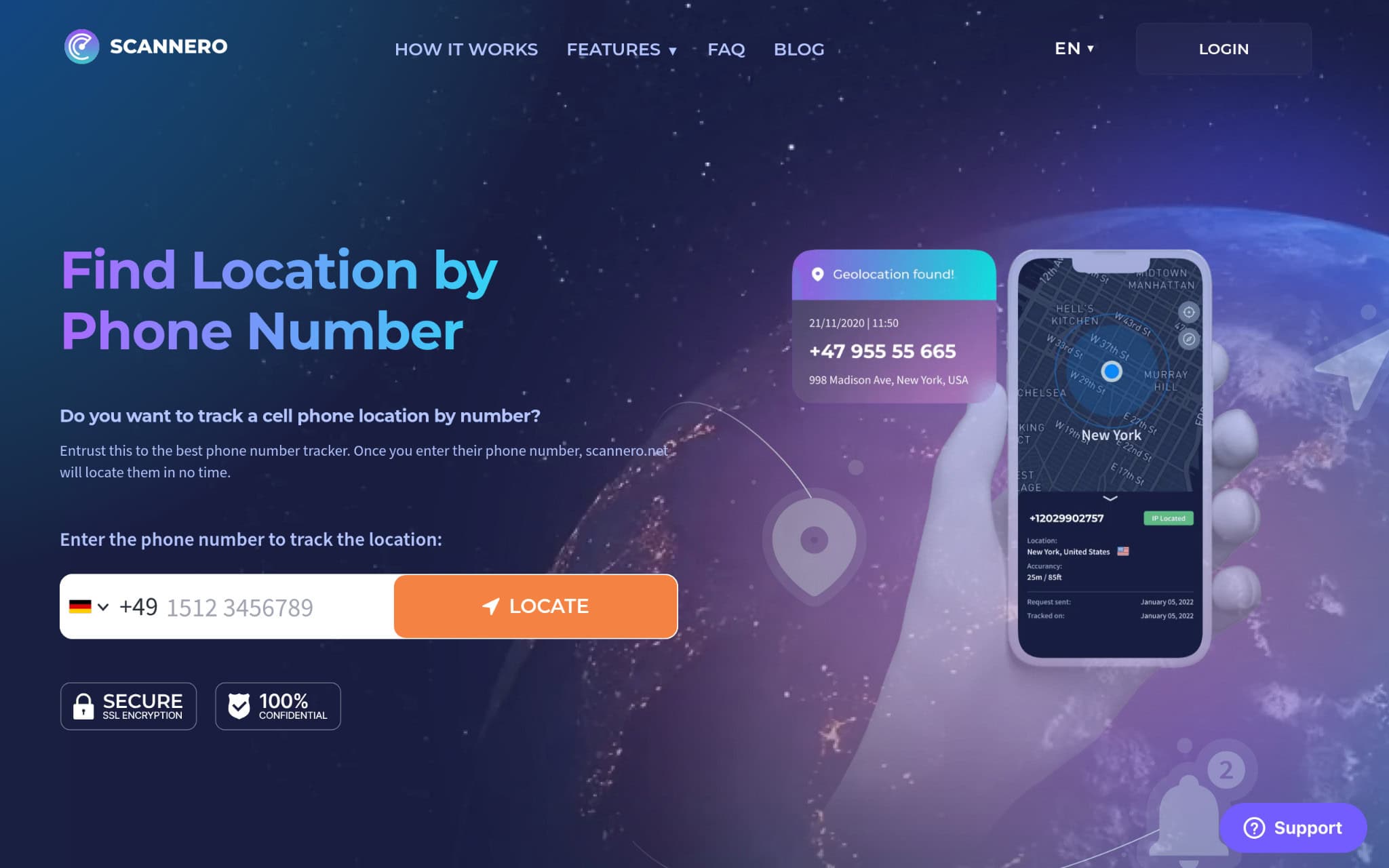
Best for: One-time location lookups without asking someone to install an app Standout: Locates a phone by number alone, with no software on the target device Pricing: $0.89 for a 24-hour trial; $49.80 a month after that
Scannero, founded in 2022, runs entirely in a browser. You enter a phone number, and the service sends that number a link; when the recipient opens it, their location is returned to you. No app is needed on either side. That single-use design suits one narrow scenario: you need to find someone once, and they’re not on any shared platform.
The ongoing cost is steep, though, and Scannero carries a Trustpilot rating of 2.2 out of 5 from 574 reviews as of October 2026. It appears to be run by a Cyprus-registered company, while its domain registration is hidden behind a privacy service, which makes the real ownership hard to confirm. For recurring family tracking it is a poor substitute for a dedicated app, and because it relies on a link the recipient opens, it should only be used with the person’s knowledge.
3. Google Family Link
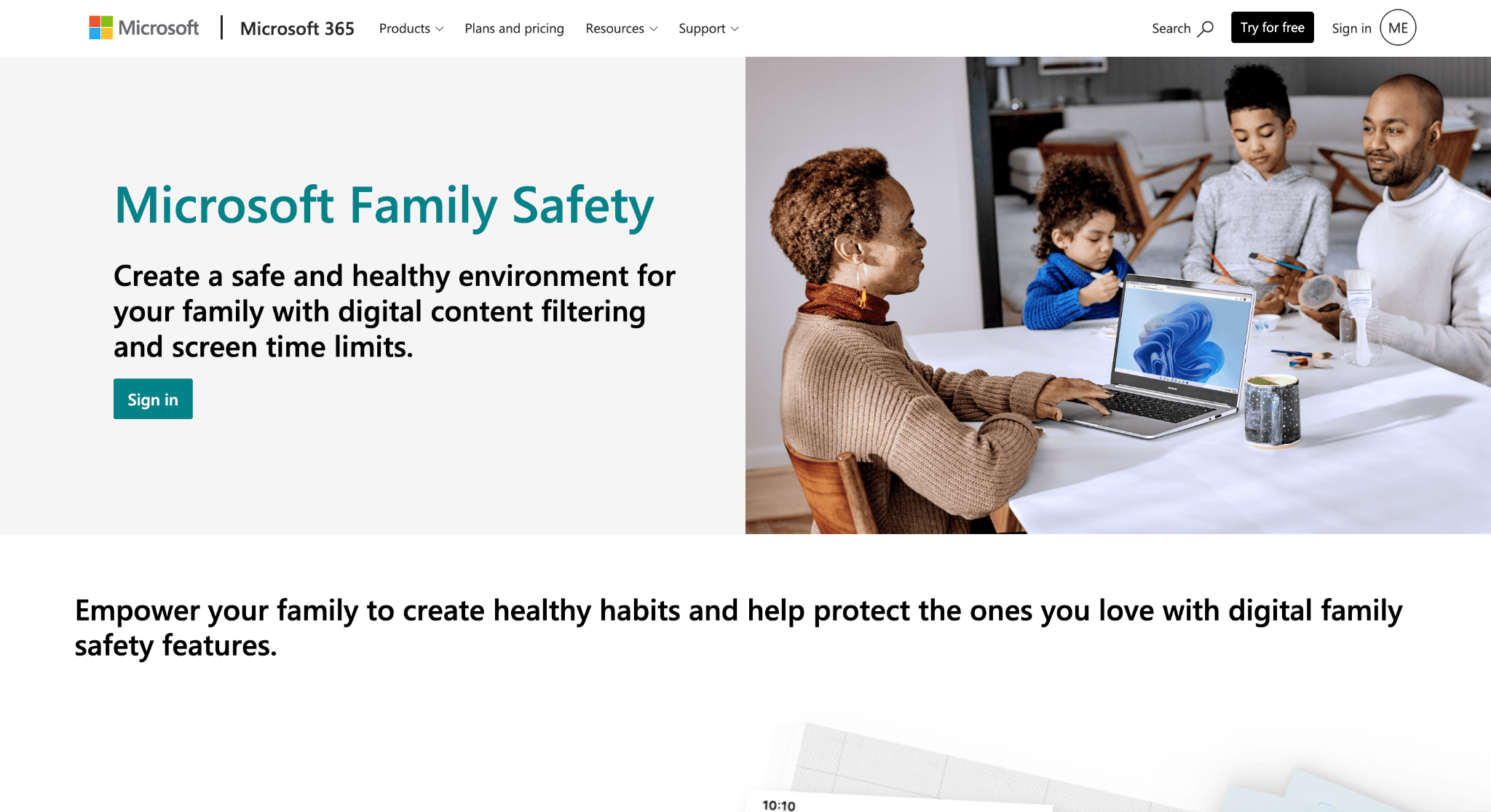
Best for: Parents of younger kids who want free location and screen-time controls Standout: Costs nothing, and ties into a child’s Google account Pricing: Free
Google Family Link is Google’s free parental-controls app, so it solves a narrower problem than a general family locator. A parent can see a child’s device on a map when it is on and online, get a notification when the child arrives at or leaves a place, and ring the device or check its battery. Screen-time limits and app approvals sit alongside those location tools.
The catch for anyone leaving Life360 is scale and depth. Family Link is built on Google’s family group, which holds a maximum of six people including the manager, and it works through supervised child accounts rather than adults sharing as equals. Its published features include no driving reports, no panic button, and no extended location history.
How to Pick the Right App for Your Household
The use case should drive the choice. Families who want live location, arrival alerts, and driving data over months or years need a dedicated family locator. A browser-based lookup tool fits a one-off situation, not a daily routine. A free parental-controls app fits younger kids whose parents want guardrails more than a shared map.
Budget matters too. A free family locator with unlimited members and a paid upgrade path is a different proposition from a $49.80-a-month single-purpose service with a 2.2 Trustpilot score. And if privacy is a concern, check whether each app requires mutual consent: apps built around shared, consensual tracking are structured differently from tools that work without the other person’s involvement.
iSharing, Scannero and Google Family Link Compared
| iSharing | Scannero | Google Family Link | |
| Main use | Family location sharing | One-time phone lookup | Parental controls with location |
| Platform | iPhone, Android, tablets, Mac, web (Platinum) | Browser-based | Parent app on iPhone and Android; child-device tools vary |
| Free plan | Yes (live location, messaging, Panic Alert, 1 place alert) | No | Yes (the whole app is free) |
| Paid pricing | From $7.99 (7-day trial) | $0.89 trial, then $49.80/month | None |
| Members | Unlimited in Circles (free plan) | One-off lookups | Family group of up to 6 |
| Location history | Up to 365 days (Platinum) | Not confirmed | Not listed |
| Place alerts | 1 free; unlimited paid | No | Arrive/leave notifications |
| Driving reports | Yes (paid) | No | Not listed |
| Panic / SOS | Panic Alert (10-sec audio on paid) | No | Not listed |
| Requires app install | Yes | No | Yes |
| Ratings | 4.8 App Store (approx. 36K); 4.5 Google Play (approx. 247K) | Trustpilot 2.2 (574 reviews) | 4.7 App Store (296K) |
| Started | 2010 | 2022 | 2017 |
Bottom Line
- iSharing suits families leaving Life360 who want unlimited free Circle members, Driving Reports, Panic Alert, and up to 365 days of history.
- Scannero is a stopgap for a one-time lookup without an app install; weigh the $49.80 monthly cost and the low Trustpilot score first.
- Google Family Link fits parents of younger children who want free location and screen-time controls and can live within a six-person family group.
Matching the right tool to the actual need is the only way to make leaving Life360 work.

- Spa Gifts for an At-Home Self-Care Night - November 21, 2026
- Best Life360 Alternatives: iSharing, Scannero and Google Family Link Compared - November 21, 2026
- Rebuilding Family Life After Divorce: Important Decisions That Shape the Future - November 21, 2026