If you love to cook but struggle to find all your favorite recipes, it’s time to store them all in a way you can access them easily and efficiently. Digital cookbooks are hyper-organized, searchable tools that can live right in your pocket.
Whether you’re dealing with handwritten family heirlooms or TikTok viral trends, here are a few different ways to manage your collection.
Dedicated Recipe Apps
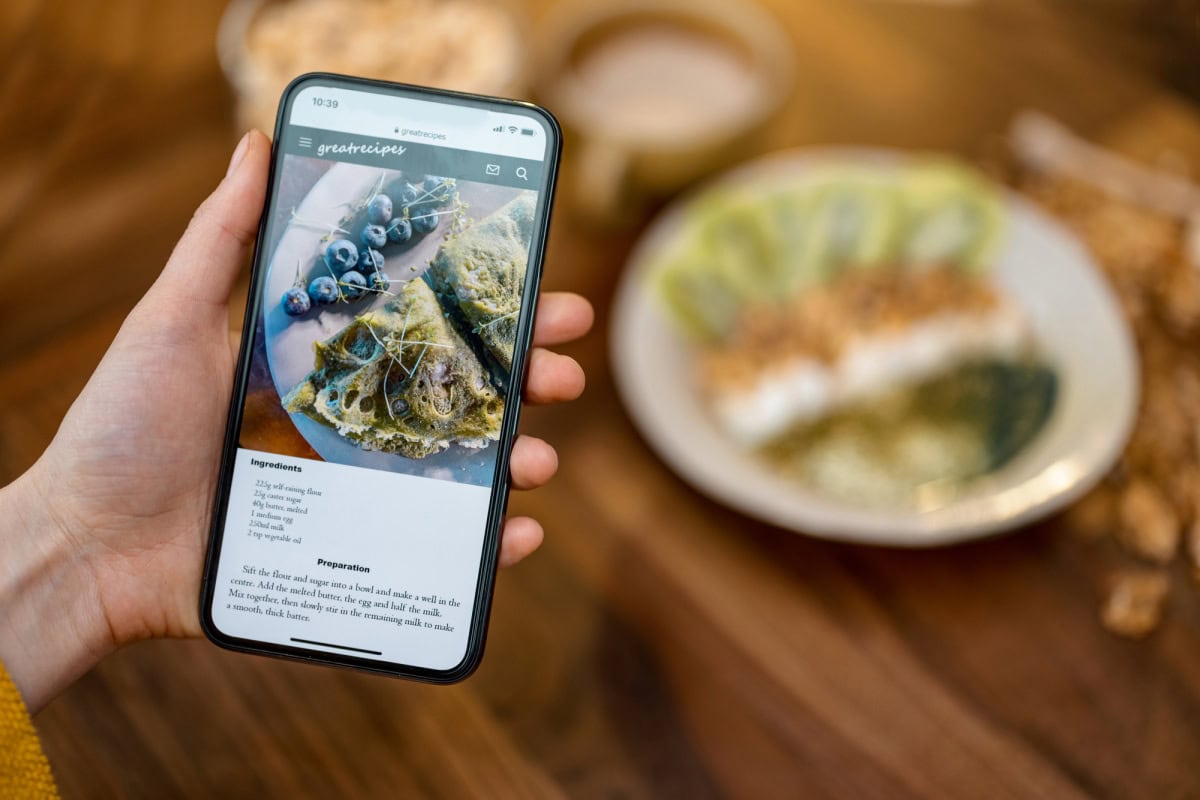
The most powerful way to consolidate your culinary library is through a dedicated recipe manager app. These platforms are designed to strip away the ads and lengthy backstories from food blogs, leaving you with just the ingredients and instructions. Modern favorites like Recipe Keeper and Samsung Food (formerly Whisk) use AI-driven technology to import recipes from virtually any website or social media video with a single tap.
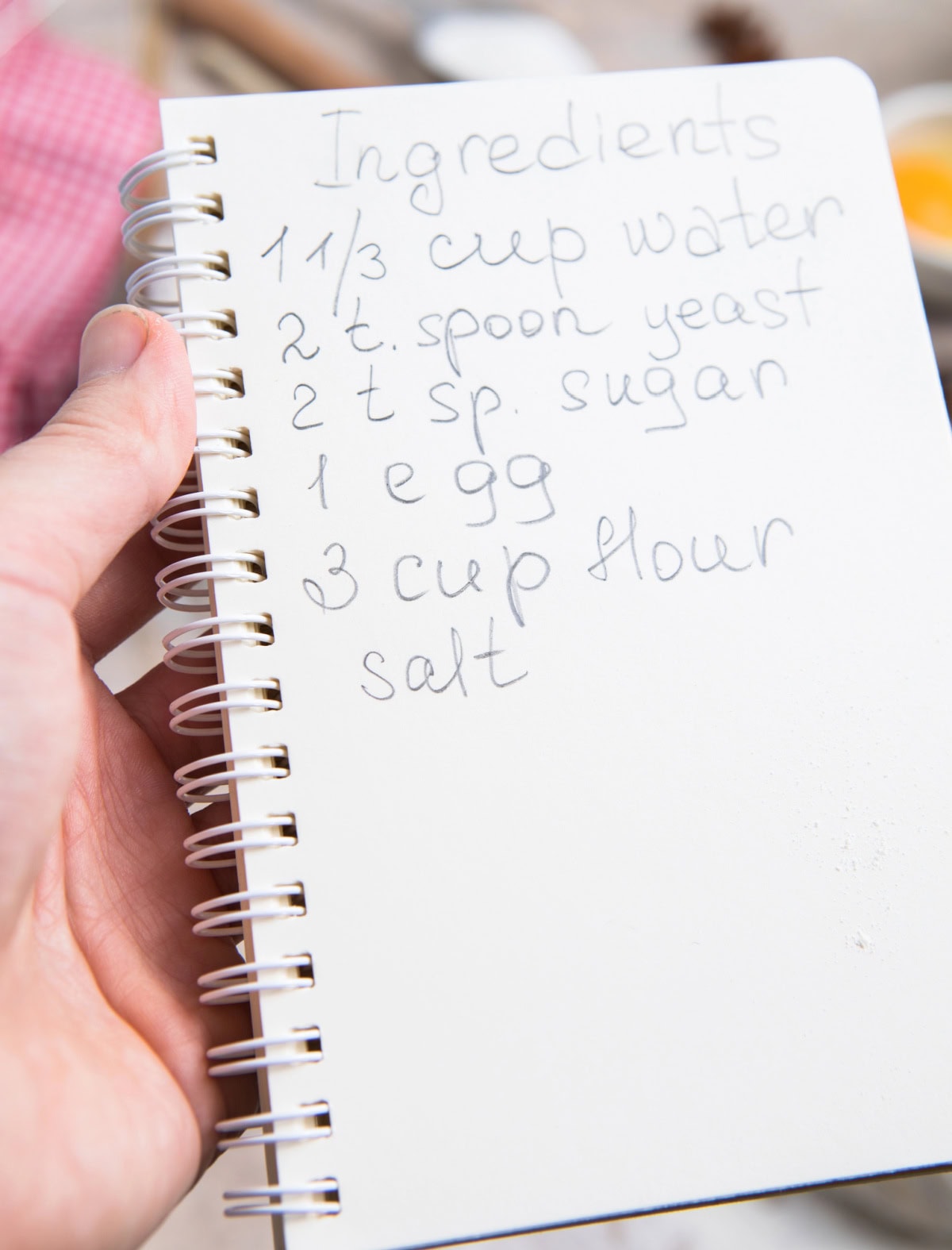
Many of these apps also offer OCR (Optical Character Recognition) features that let you scan recipes from paper or old index cards with your phone’s camera. Once digitized, these recipes become fully searchable. You can organize them by category (such as 15-Minute Meals or Gluten-Free) and even generate automatic shopping lists that group items by grocery store aisle.
Note-taking Apps
If you prefer a more flexible, free-form approach, the note-taking apps already on your phone are excellent tools. Apple Notes and Google Keep let you jot down recipes on the fly or paste links you’ve found online. The benefit here is complete customization – you can edit instructions as you go, swap out ingredients based on what’s in your pantry, and add personal photos of the finished dish.
Google Keep is particularly useful for those who like a visual bulletin board feel, as you can color-code your notes (e.g., green for salads, red for meats) and add checkboxes for your ingredient lists. Since these apps are cloud-based, your recipes are automatically synced across your phone, tablet, and computer.
Cloud Storage
For those with a large collection of PDFs and scanned images, traditional cloud storage is the most secure long-term solution. By creating dedicated folders in Google Drive or iCloud, you ensure your recipes are safe even if you lose or damage your phone.
Privacy is key when accessing these accounts, especially if you’re using your phone to look up a recipe while on the go. You should use a VPN for iPhone when logging in to your cloud storage in public places like grocery stores or cafes. It encrypts your data and prevents others on the same Wi-Fi network from seeing your personal files or account credentials.
File and Photo Management
Sometimes the simplest method is the best: taking a photo. If you see a recipe in a magazine or on a friend’s kitchen counter, just snap a picture. To keep these from getting lost among your vacation photos, move them into a dedicated recipes album in your phone’s photo gallery.
On an iPhone or Android, you can also use the search feature within your photos to find specific text inside an image, like “chicken” or “pasta.” Similarly, you can use mobile browsers like Safari or Chrome to save specific web pages into a recipes bookmark folder, keeping your culinary inspiration separate from your everyday browsing.

- How to Plan a Summer Dinner Around the Weather - September 17, 2026
- How to Choose Door Hardware That Works With Your Interior Style - September 17, 2026
- Want Stronger, Healthier Hair? Check Your Diet Before Buying More Products - September 17, 2026