These days, nearly everything we do is handled through our screens. From calls and emails to project management and presentations, the convenience of our smartphones, tablets, and laptops has transformed the way we work and connect. With just a few taps and swipes, we can accomplish tasks that once took hours. With so many devices in use, it may be time for a tech refresh.
However, as essential as these devices have become, they don’t last forever. Over time, they slow down, batteries lose capacity, and we miss out on new features and software updates.
This isn’t just inconvenient- it can disrupt productivity and reduce efficiency. Fortunately, refreshing your tech may be precisely what’s needed to keep your digital life running smoothly. Upgrading is more than staying current; it’s about enhancing security, productivity, and ease of use.
Here’s why investing in a new device might be the right choice.

Most devices have a shelf life, and knowing it can help you gauge the right time for a tech refresh.
Smartphones like iPhones are generally designed to last 4–5 years with regular software updates and optimal hardware performance. Laptops, like MacBooks, often have a similar or slightly longer lifespan, especially if you use them for everyday tasks rather than intensive workloads.
Battery degradation is a big factor. After about two years, most lithium-ion batteries start to lose their capacity, which can make even the most powerful device feel slow. Once your phone or laptop struggles to hold a charge, it’s often a sign that your device is aging.
Apple, for instance, offers battery replacements, but this may only be a short- term fix. Software updates, which provide new features and security patches, typically slow down or stop altogether after about five years for most devices. When these updates cease, it may be time to start planning for an upgrade.
Now that you understand when to upgrade let’s dive into why upgrading makes sense—and how to make the process smoother.

How to Upgrade: Practical Tips for a Smooth Transition
When you’re ready to upgrade, the process can be easy and cost-effective if you know your options. Here’s how to get started:
Make the Most of Trade-In Programs
Trade-in programs are a great way to offset the cost of a new device by exchanging your old one. Many brands, including Apple, offer credit for qualifying trade-ins. To make the process smooth, let’s say you want to trade in your iPhone; here’s a step-by-step guide:
- Check Trade-In Value: Before you begin, check the estimated trade-in value on the manufacturer’s website. The better condition your device is in, the higher the credit you’ll receive.
- Prepare Your Device: Before trading in, ensure all personal data is erased. For iPhones, understanding how to hard reset an iPhone ensures your data is completely removed, protecting your privacy. A hard reset also restores the device to factory settings, preparing it for a fresh start with its next owner.
- Complete the Trade-In: Many companies offer in-store and mail-in options for trade-ins. Choose what’s convenient for you, follow their instructions, and ship or drop off your device.
- Use Your Credit: You can apply the credit from your trade-in toward a new device, making it a cost-effective upgrade.
Consider Refurbished Devices
Consider buying a certified refurbished device if you want to upgrade but keep costs low. Many manufacturers, like Apple, offer refurbished products that are inspected, tested, and certified to work like new ones. Refurbished devices come with warranties and can be a smart option if you want recent technology without the full price tag.
Consider buying a certified refurbished device if you want to upgrade but keep costs low. Many manufacturers, like Apple, offer refurbished products that are inspected, tested, and certified to work like new ones. If you’re looking for affordable yet high-performing options, compact Dell Latitude E7440 laptops are an excellent choice. Refurbished devices, including models like these, come with warranties and can be a smart option if you want recent technology without the full price tag.
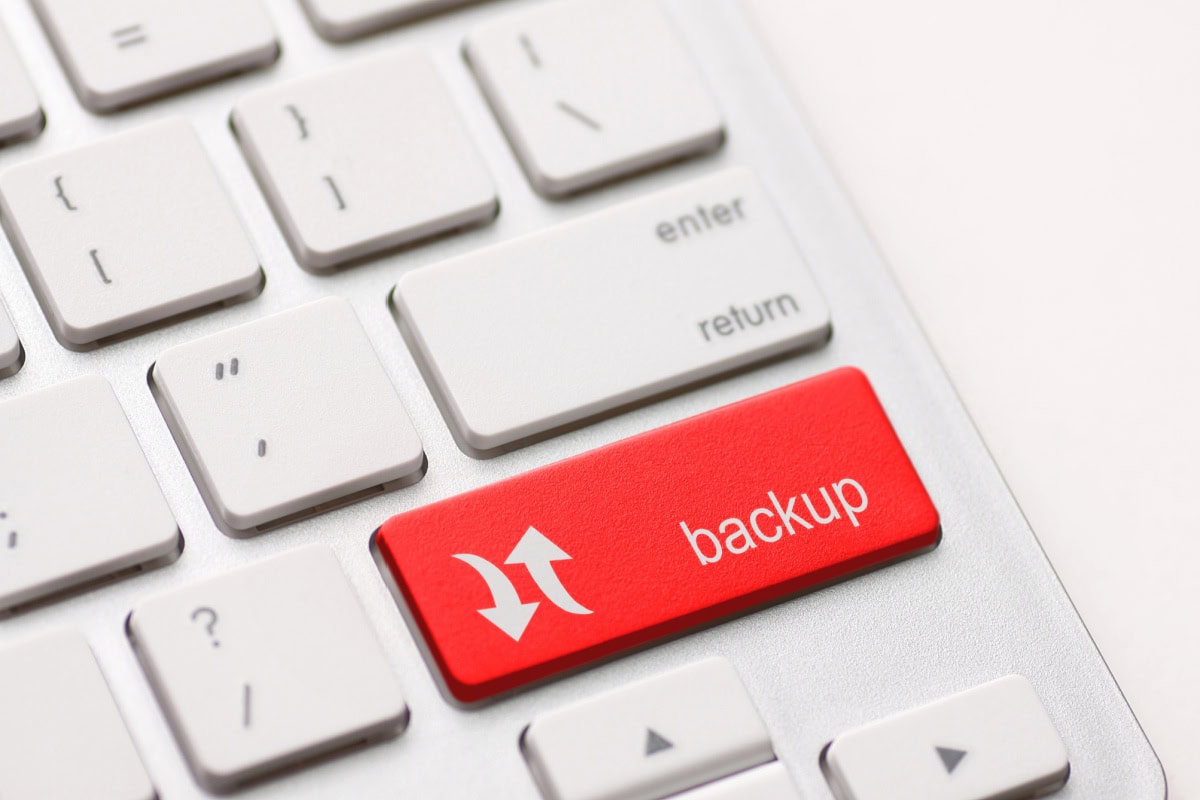
Back Up and Transfer Your Data
A critical part of upgrading is ensuring a smooth transfer of your data. Both Apple and Google have streamlined systems to make this process easier:
- iCloud Backup for iOS: If upgrading an iPhone or Mac, use iCloud to back up your data. When you sign into your new device, you can restore everything from your previous backup.
- Google Account for Android: If you’re switching to a new Android phone, logging into your Google account can bring over your apps, contacts, and calendar events.
These steps make the transition smoother and reduce the stress of losing important files or settings.
Why Upgrade? The Benefits of a Tech Refresh
Upgrading isn’t just about keeping up with trends; it’s about enhancing your experience and making the most of modern technology. Here are some practical benefits of refreshing your tech:
- Better Security: New devices receive up-to-date security patches, reducing vulnerability to hacks.
- Faster Performance: Up-to-date processors and more RAM mean smoother multitasking and quick responses.
- Access to New Features: Enjoy improved cameras, battery life, and software functionalities that older models can’t support.
- Extended Battery Life: Newer devices last longer on a single charge, freeing you from constant recharging.
- Long-Term Savings: Upgrades reduce ongoing repair costs, saving you money over time.

Final Thoughts
Upgrading your devices can seem like a big investment, but it’s often worth it for the added security, speed, and features that improve your daily life. So, follow the tips above to upgrade your device and enjoy the boost in productivity and convenience!

- Simple Ways to Make Home Maintenance Less Stressful - September 15, 2026
- Bathroom Flooring Ideas That Balance Style and Practicality - September 15, 2026
- Red Light Spa Near Me vs. At-Home Red Light Panel: Which Is Better? - September 15, 2026